Lista DAO is pleased to announce that through our Web3 Modal, we have integrated a huge variety of Web3 wallets across PC, mobile, and app platforms. With this upgrade, Lista DAO essentially supports all available EVM compatible wallets in the market right now.
Below is a guide on how you can find and connect your wallet and connect to Lista’s Dapp.
General Guide
-
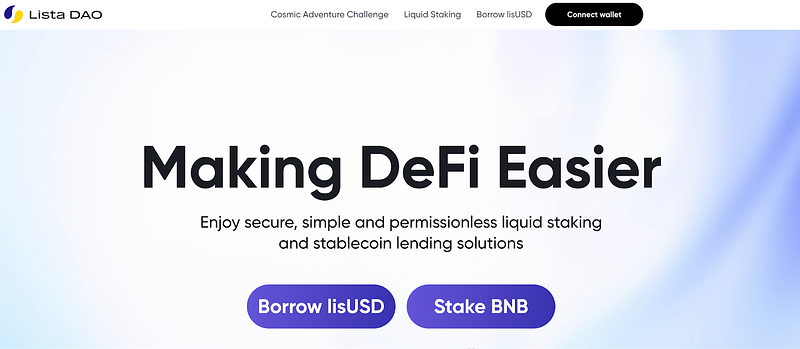
Head over to Lista’s DApp at https://lista.org/, and click “connect wallet on the top right hand corner.
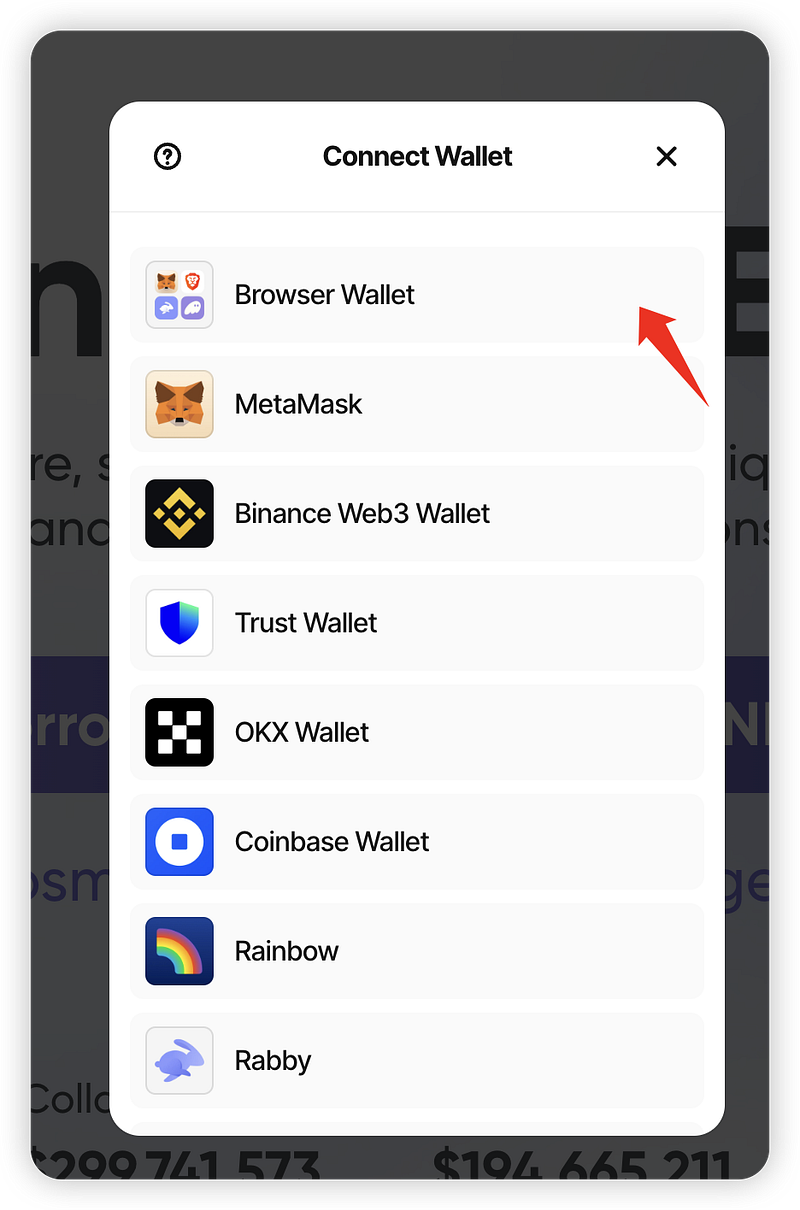
2. The most commonly used wallets will be positioned at the forefront of our list for easy access. Simply click on the wallet that you are using and a popup will appear prompting you to connect.
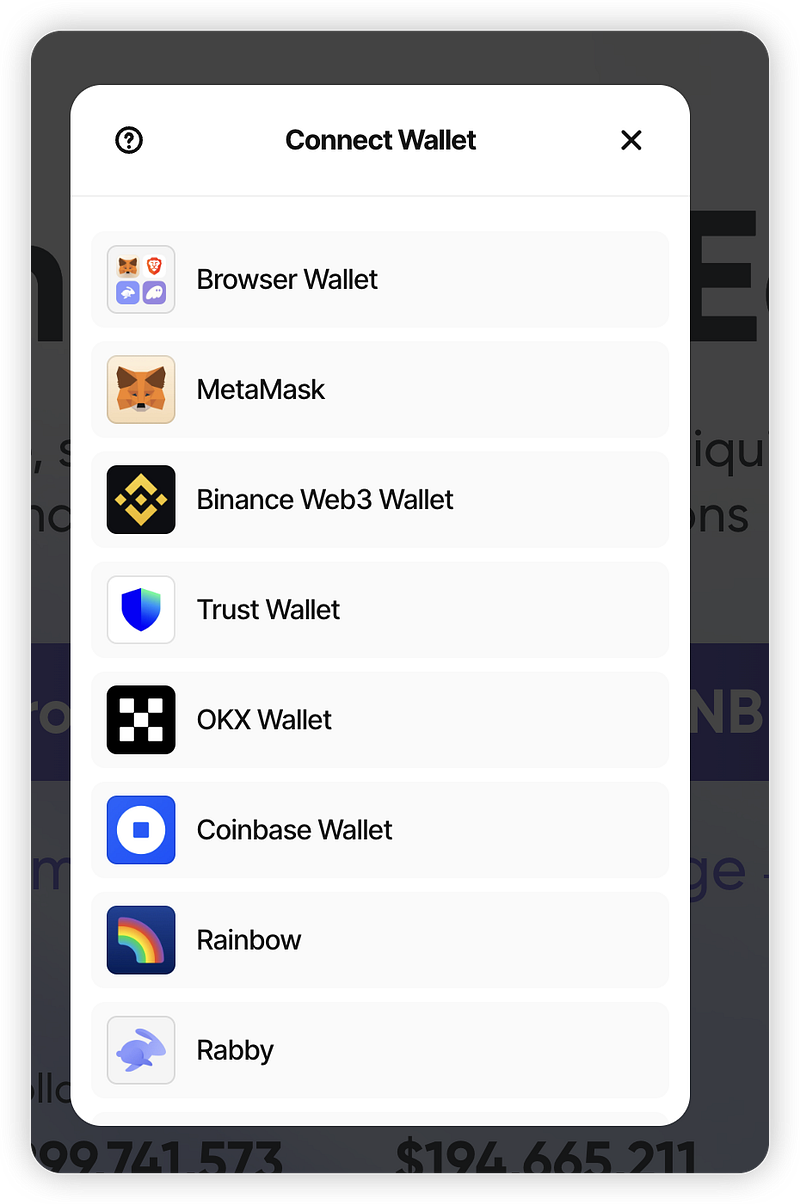
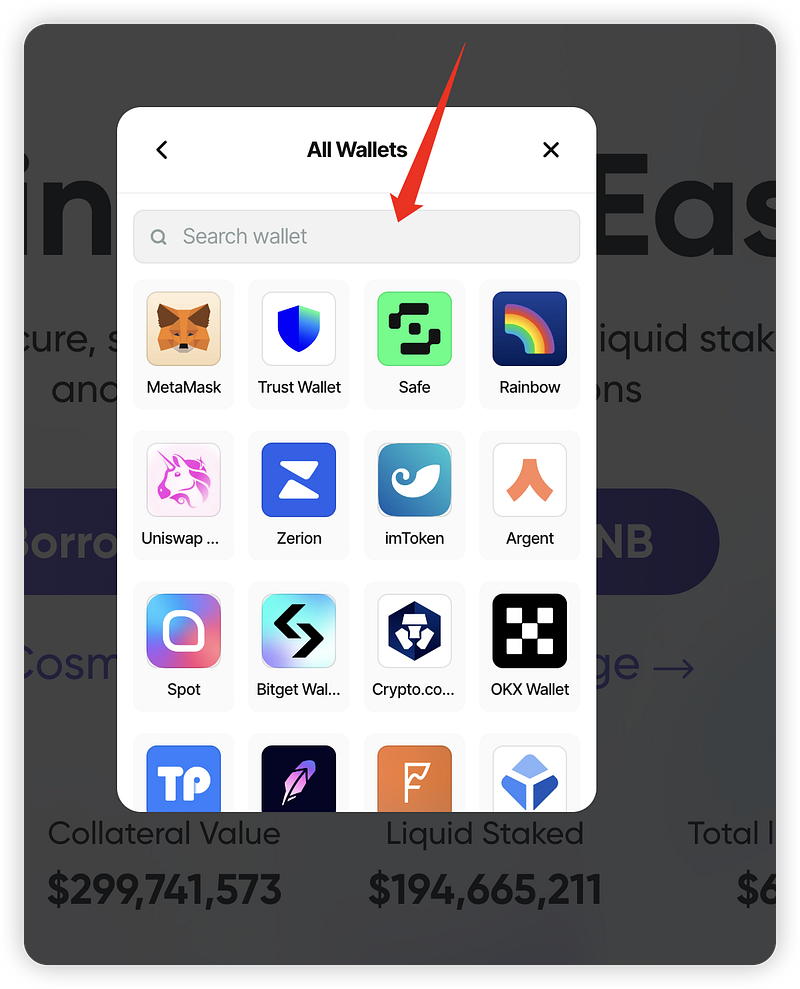
3. If your wallet is not listed, you can directly click on “Browser Wallet” at the top or “all wallets” at the bottom to search for the wallet that you are currently using.
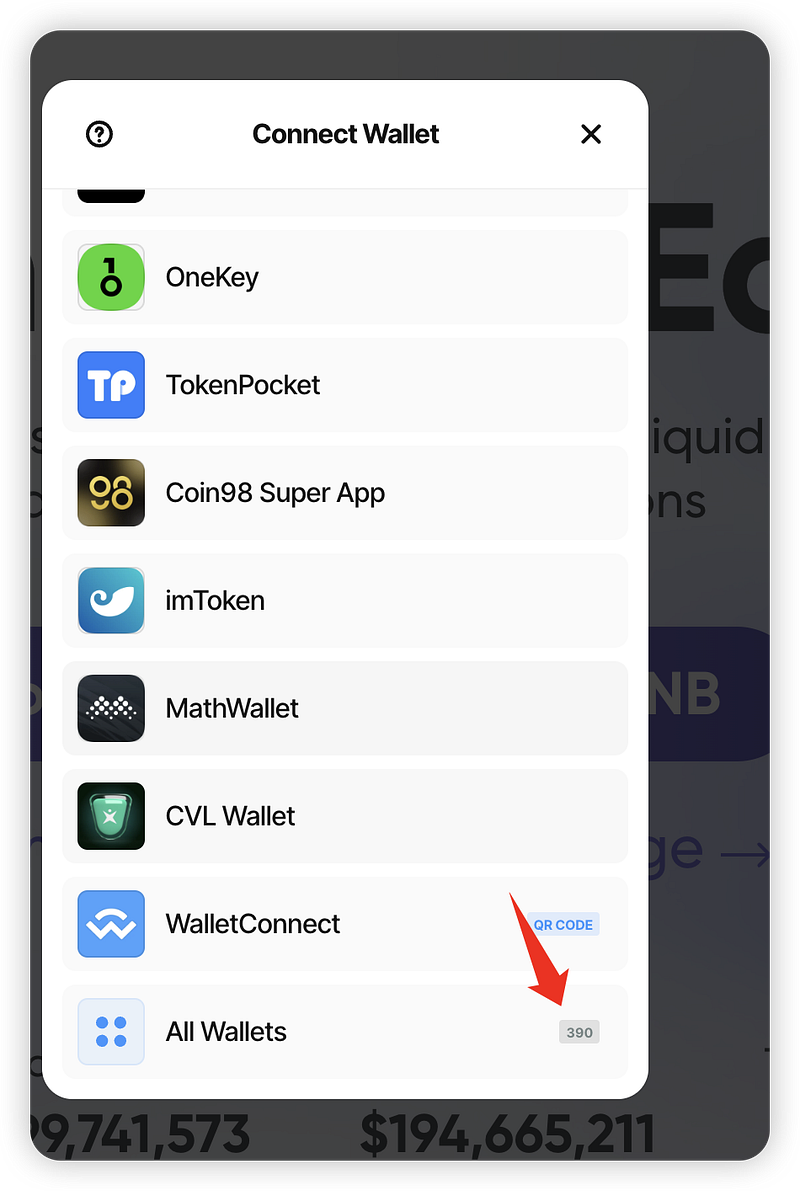
Navigating through your browser Wallet
-
Search for your browser wallet here
2. Search for your wallet manually here